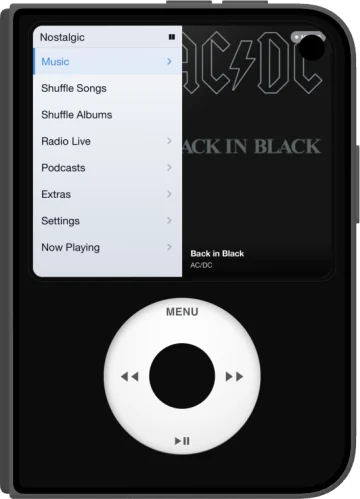
A music player for iPhone and Android with a real click wheel, inspired by the iPod Classic. No subscription, no ads, no tracking.
4.6 on Google Play · 2K+ downloads
As featured in Android Authority · Android Police · Android Planet · Product Hunt

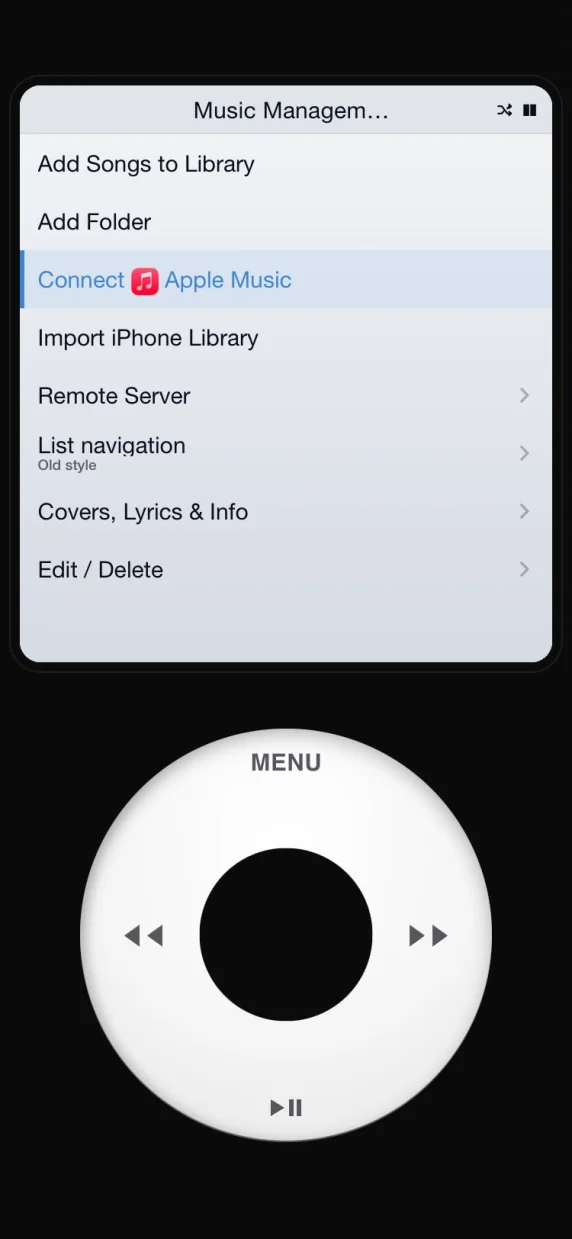
Connect your Apple Music account and browse your library with the click wheel, on iPhone and Android. Your playlists and albums, with the feel of the original.
To connect it, open "Music Management" and tap "Connect Apple Music".
Requires an Apple Music subscription.
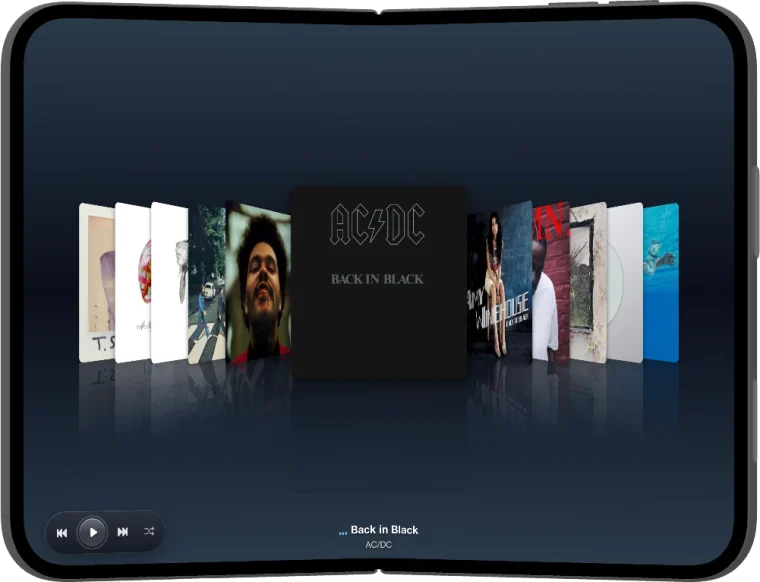
Out now on the App Store, with a new icon and a new minimal interface. And on iPhone Duo, open it for Cover Flow.
Closed, it's the iPod you know. Open it and your library unfolds full screen in Cover Flow, one cover at a time.
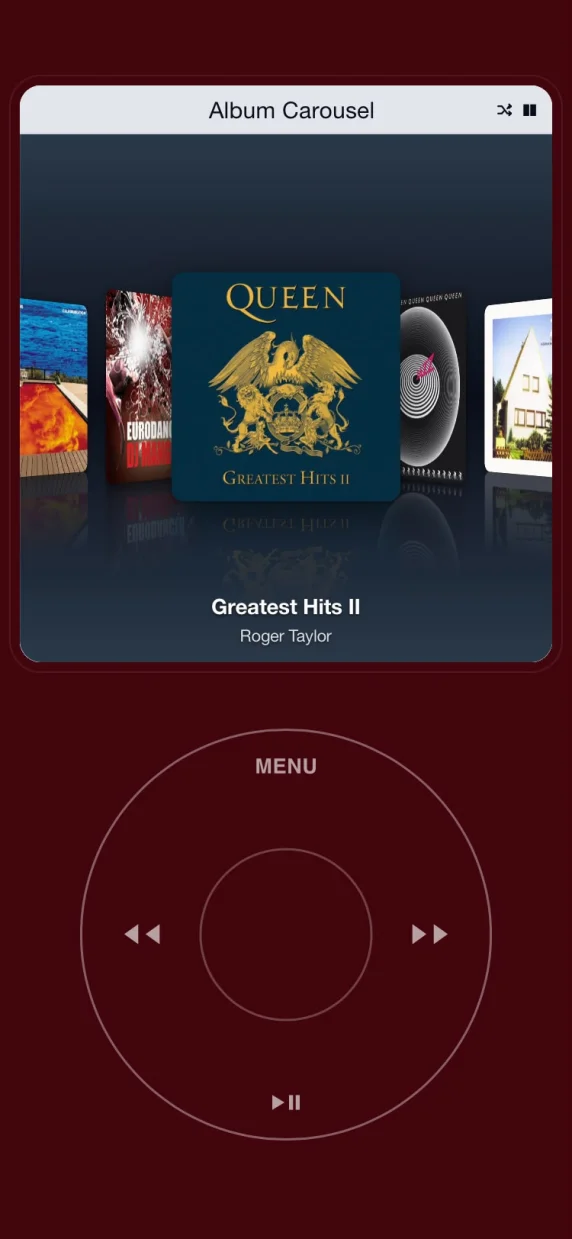
Spin through your albums in 3D. Tap one and it flips to show the tracks. Browse by artist, album or genre, rate songs with stars, and covers download on their own.
On iPhone, NostalgicPod comes with a new look: a minimal ring. Prefer the classic wheel? Switch to it anytime in Settings.
New on iPhone: a minimal ring. Same clicks, same feel.
The wheel you remember, with grey menus and the blue bar. On iPhone, turn it on in Settings.
MP3, FLAC and more. Lossless up to 24-bit / 192 kHz when your phone supports it.
Stream your library from home with a self-hosted server.
Subscribe by RSS and stream any episode for free. We don't add ads.
Bring your own files and pick up exactly where you left off.
Thousands of internet radio stations from around the world.
On Android: Android Auto in the car, Google Cast to your speakers.
Three classics, played with the wheel. High scores are saved.
Breakout. The ball speeds up 1.2% with every brick.
Turn the wheel to steer.
Klondike, card by card with the wheel.
Available now on Google Play and the App Store.
4.6 on Google Play · 2K+ downloads